

Pix or card: what to check when paying for a booking
Review your order before paying
Check the chosen experience, date, number of guests and amount shown before continuing. Available payment methods depend on the offer and platform setup; review the options displayed when you book.
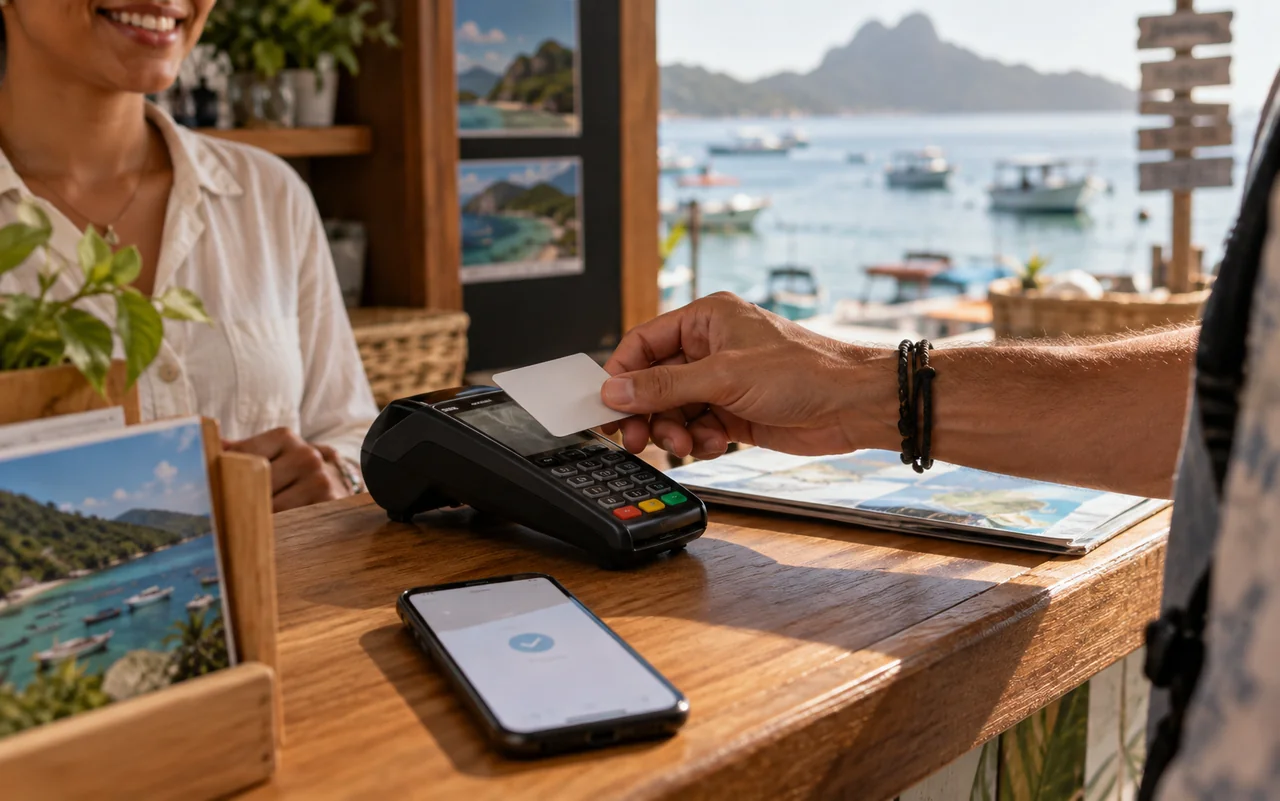
If you choose Pix, check the amount, recipient and expiration time before confirming in your banking app. For card payments, review the conditions and transaction total, including any installment arrangements.
Track the confirmation
Generating a Pix code or starting a transaction does not mean the payment has been approved. Check the displayed status and keep your receipt. If the transaction remains pending, contact support before paying again.
Read the offer's change and cancellation conditions too. This information helps you make an informed choice and resolve questions about your Reserva Mix booking.